How can we help?
Account creation
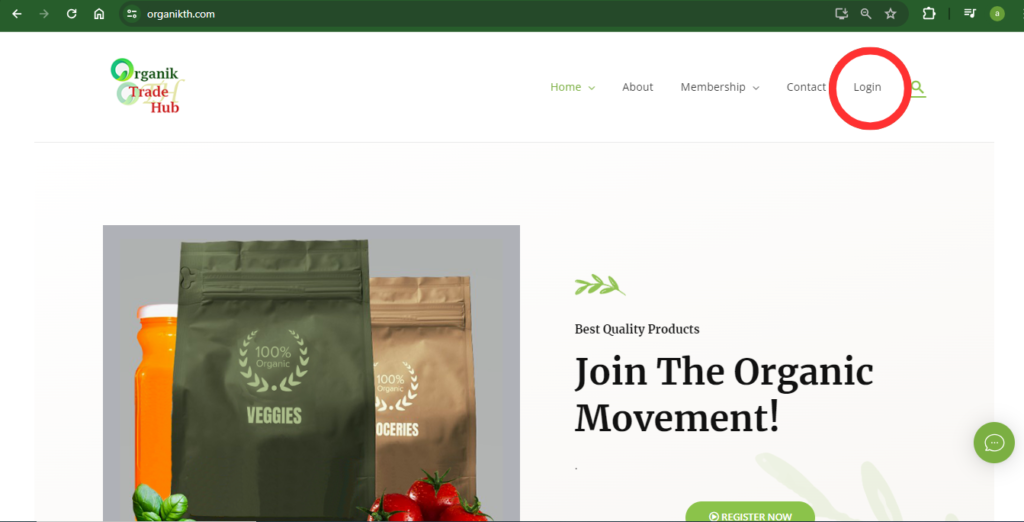
- Navigate to www.organikth.com – Hub of Organic Products and then click on Login in the menu bar.
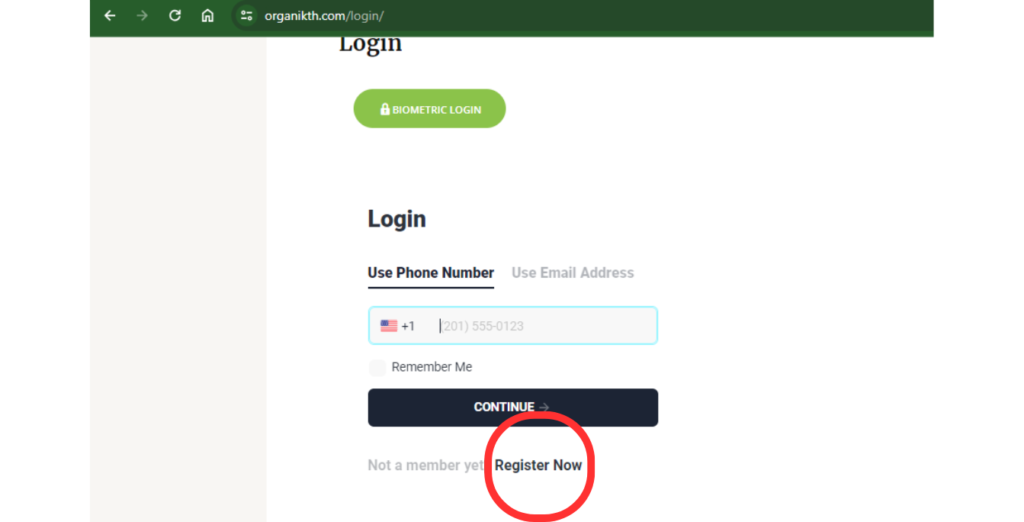
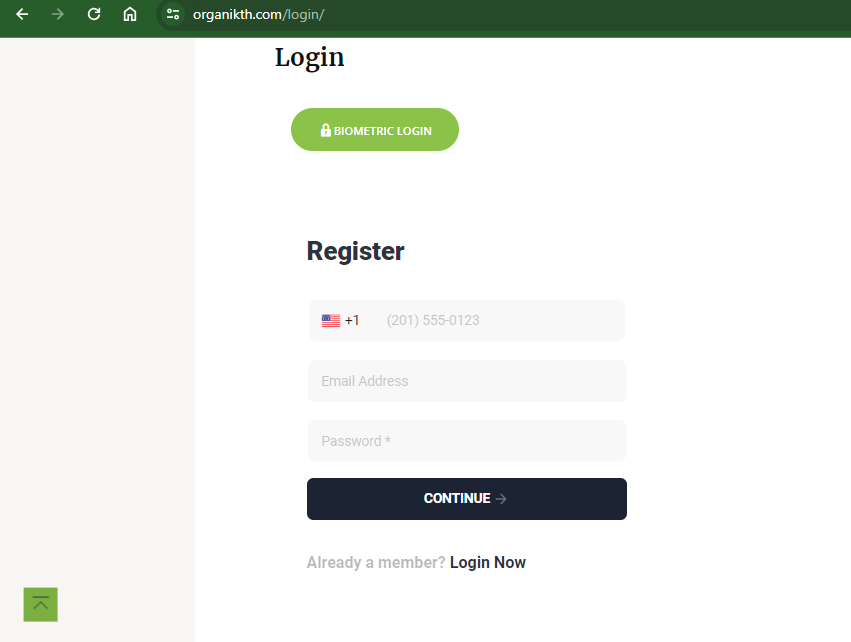
2. Click on Register Now button present at the bottom of the Login form.
3. Then a form for filling required details will appear and follow the instructions to open the account online.
- First of all fill the Country Code, Mobile number , Email id and password.
- Then click on CONTINUE.
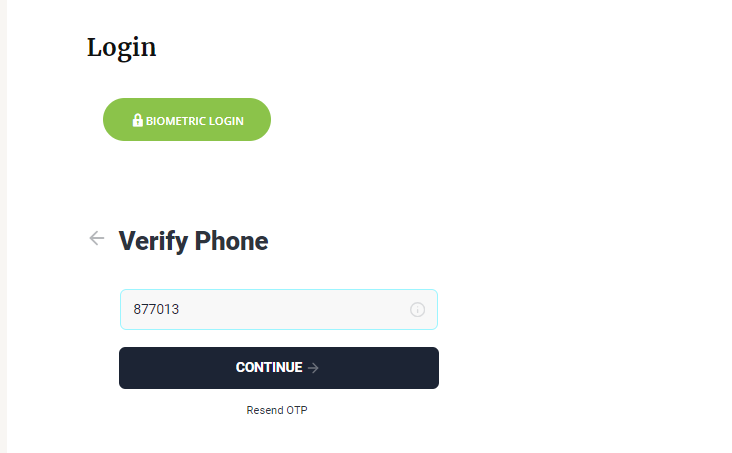
4. Enter the OTP received on mobile.
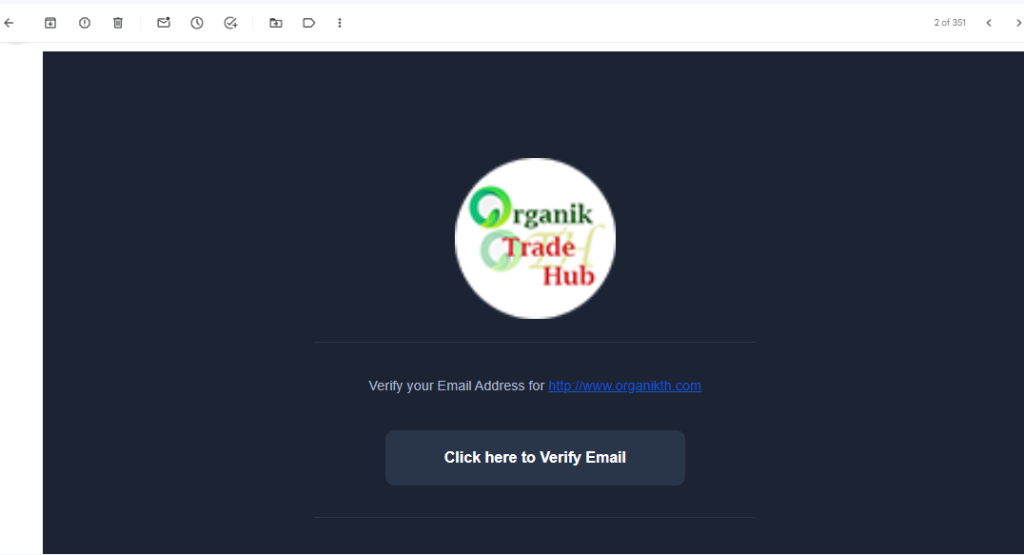
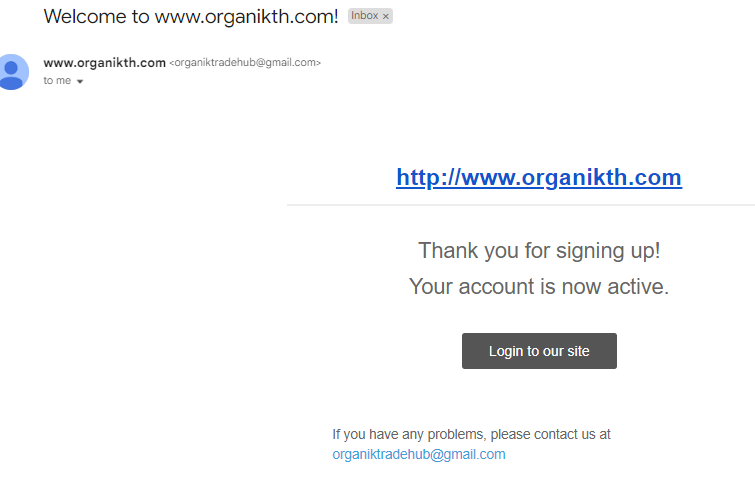
5. A mail related to email verifiaction will be sent to the registered email id, check if the email was marked as spam. After verifying your email you will receive a second mail ensuring the completion of sign up process.