How can we help?
How to reset the password(for members)
To reset the password if forgotten, follow these steps:
- Navigate to www.organikth.com – Hub of Organic Products and then tap on Password Reset in the Membership drop-down menu.

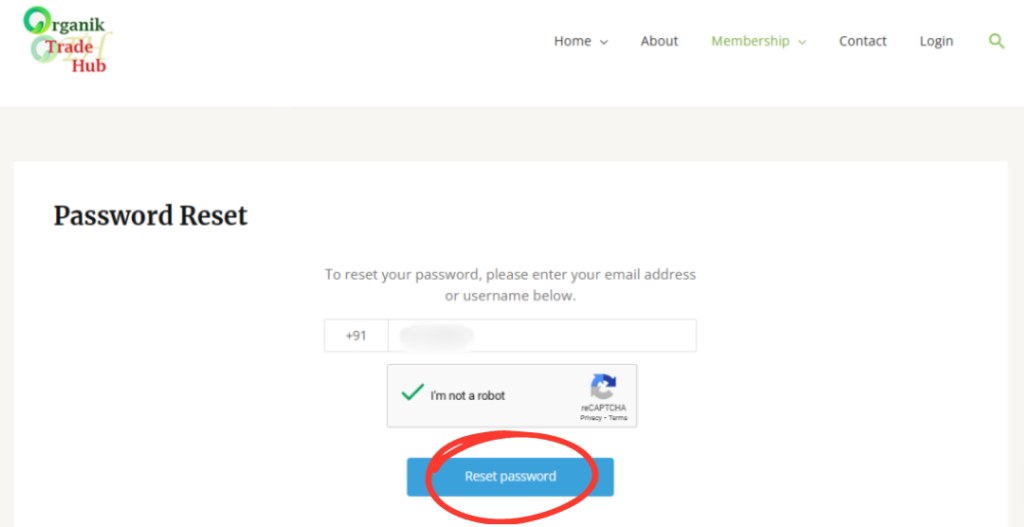
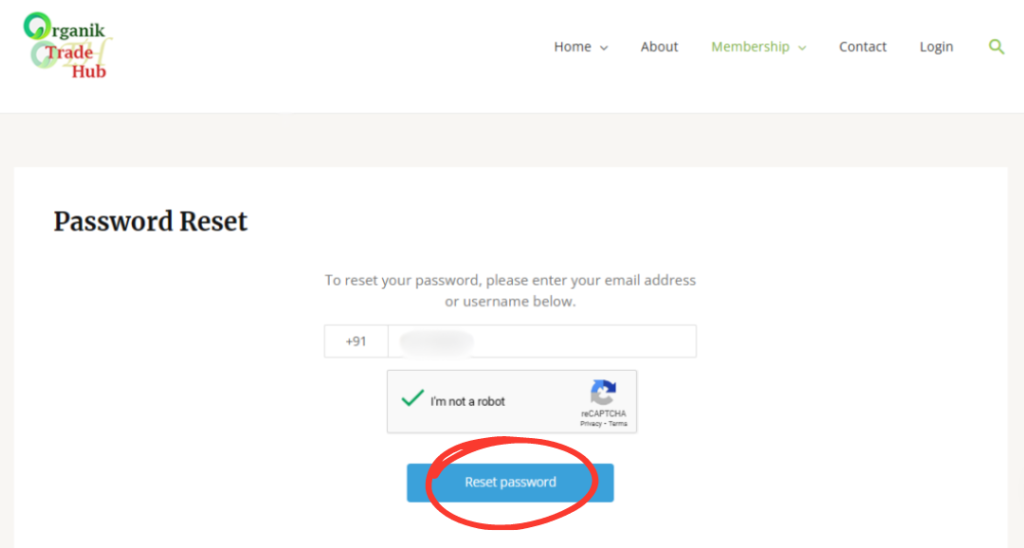
2. Enter the Mobile Number, and tap on Reset Password.
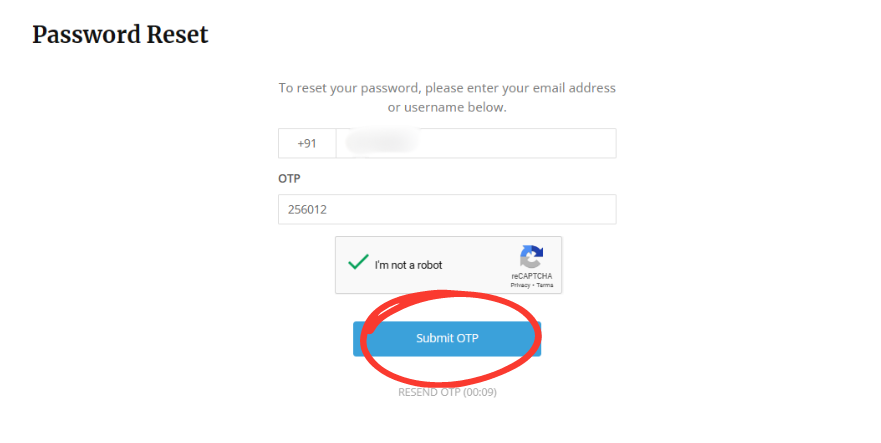
3. Enter the OTP received, tap on the Submit OTP to reset the password.
4. Enter the new password in “Password” and “Confirm Password”, click on Reset Password.