How can we help?
How to add biometric functionality
If you decide to proceed with Biometric Login:
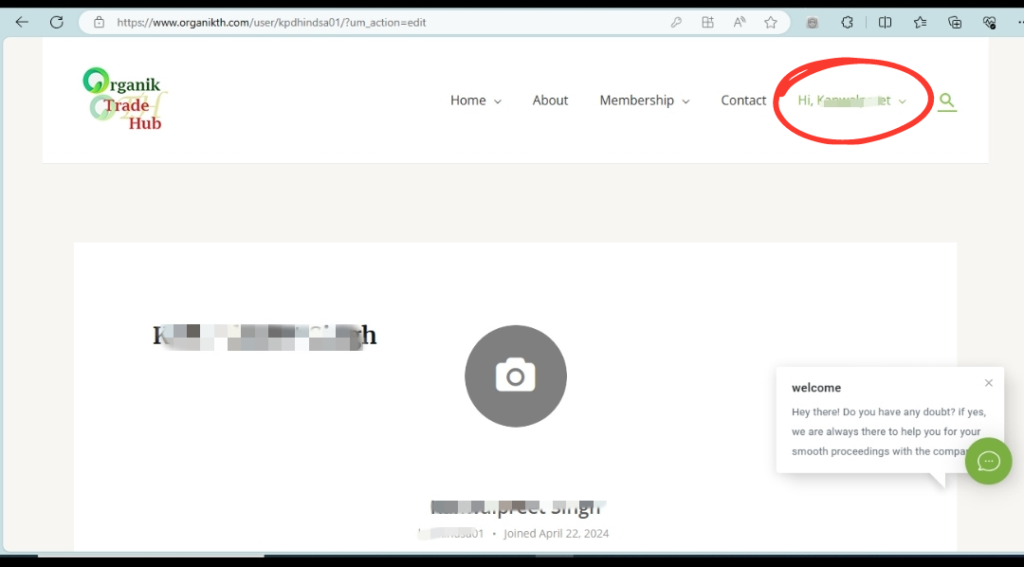
1. Login to your account by navigating to www.organikth.com– Hub of Organic Products and then click on Hi Username in the menu bar.
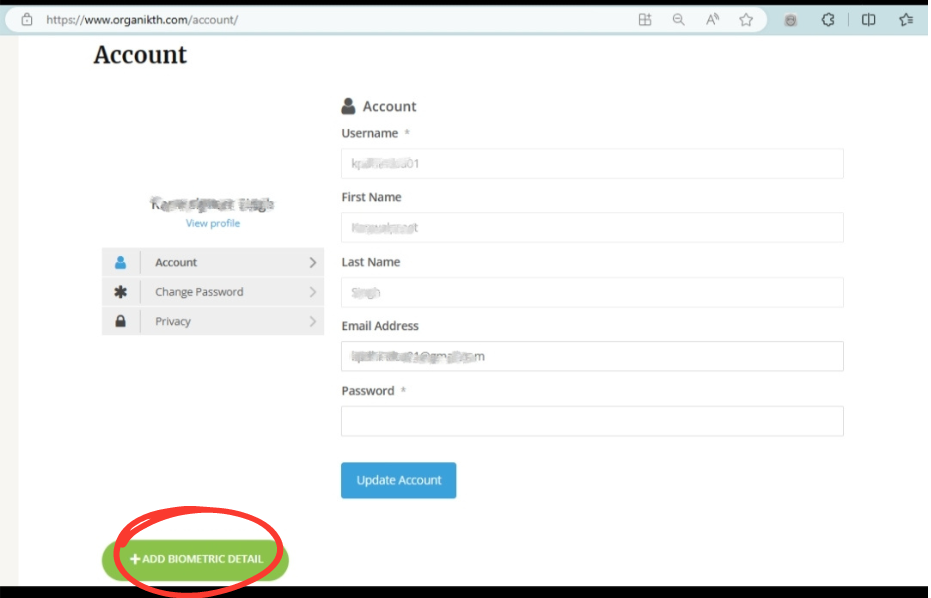
2. On the personal account page, click on the button “Add Biometric Detail” present at the bottom, common options include fingerprint scanner, facial recognition, or iris scan. You can add any of the biometric types according to your preference and device.
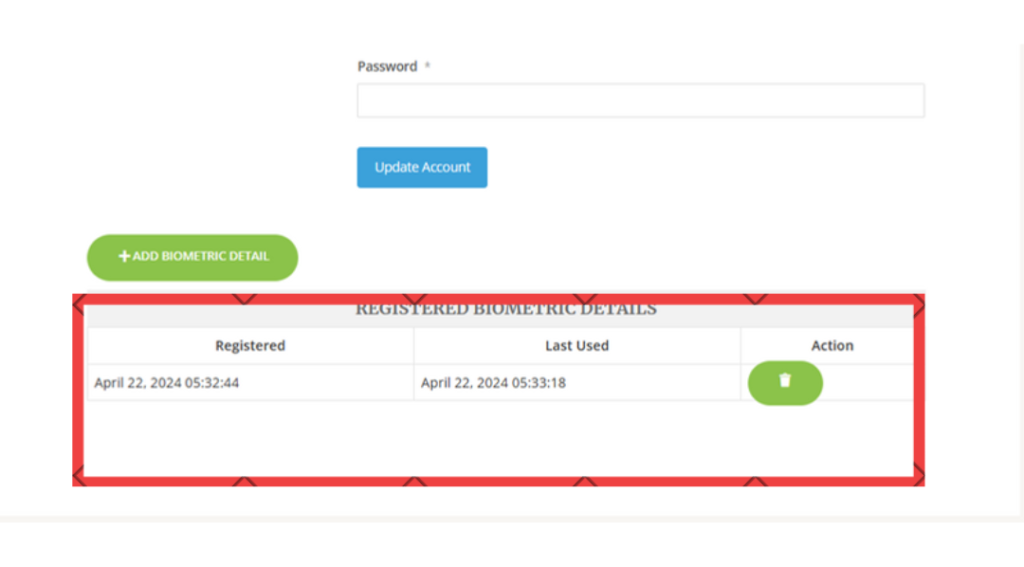
3. After enrolling the biometric, the registered biometric details table get updated with new biometric data on the personal account page.