
How can we help?
Password reset
To reset the password after logging in with existing password, follow these steps:
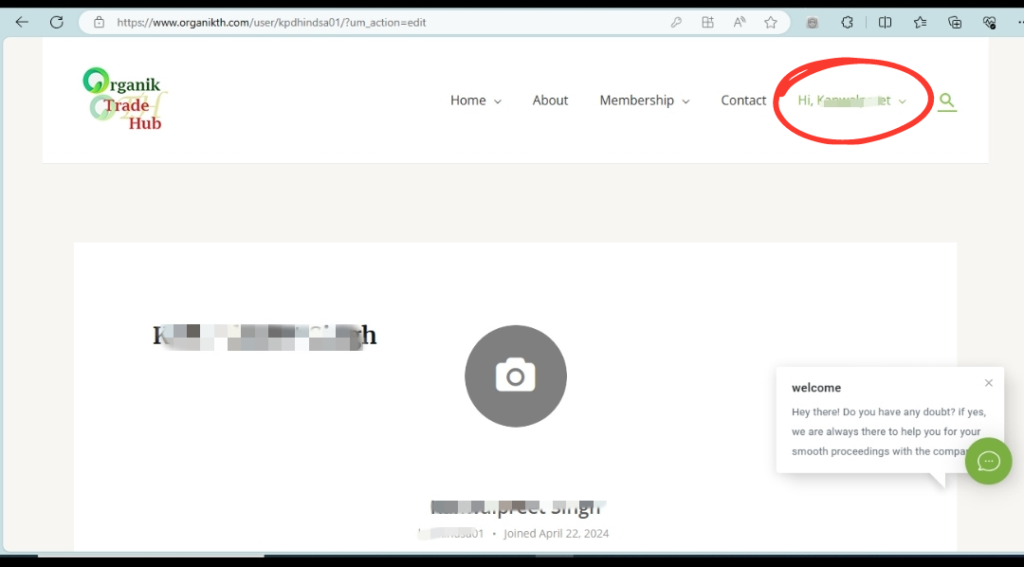
1. Login to your account by navigating to www.organikth.com – Hub of Organic Products and then click on Hi Username in the menu bar.
2. Click on Change Password in left sidebar.
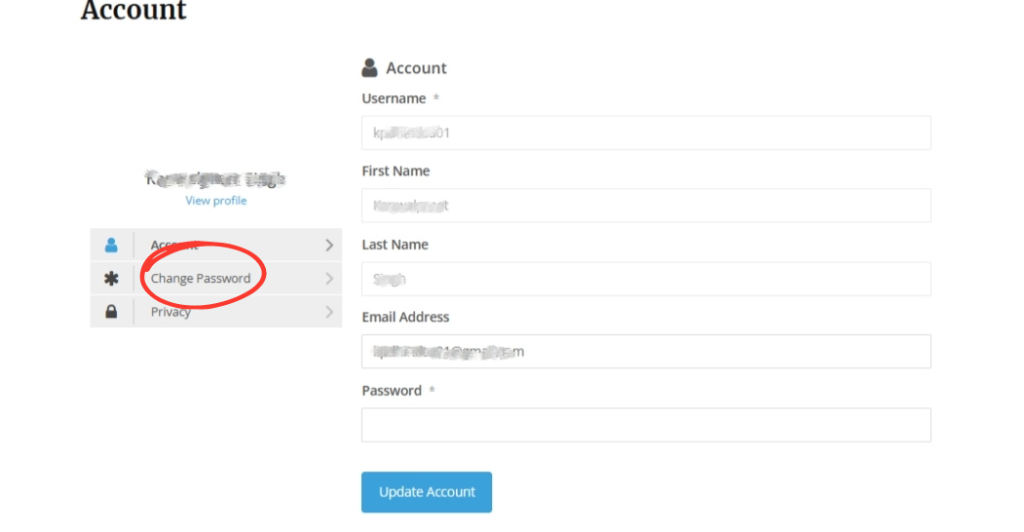
3. Enter the “Current Password”, “New password” and “Confirm Password”, click on Update Password. Your password would be updated and a pop-up showing this would flash on screen.

